Customize Your Photoshop Toolbar to Stop Fighting the UI
via Fstoppers
auto_awesomePixelfetch Take
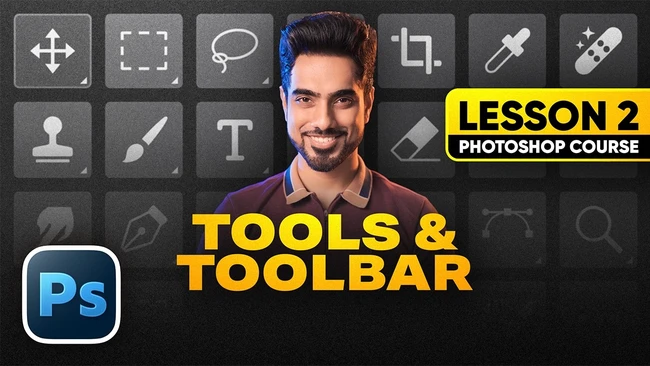
If you've never touched Photoshop's toolbar customisation, you're probably working around tools you don't need and hunting for ones you use constantly — fixing that takes minutes and the payoff is immediate. Nothing new here for anyone past the beginner stage, but worth bookmarking for the next time you onboard someone to your edit suite.
Read full articlearrow_outwardon Fstoppers
Related
Editing Software
DaVinci Resolve 21 Adds Dedicated Photo Page for Stills
Editing Software
DaVinci Resolve 21 just became a serious Lightroom rival
Editing Software
Lightroom Classic 15.3: Background AI Processing Changes Bulk Workflows
Editing Software
Capture One's Export Speed Has Tanked Since Last Update
Editing Software
Adobe's Lightroom Update Is Big. Classic Might Be the Casualty.
Editing Software
DaVinci Resolve 21's New Photo Page Is a Free, Subscription-Free Lightroom Alternative
More from Fstoppers
Stay ahead of the curve
Get the Pixelfetch digest delivered to your inbox every morning.