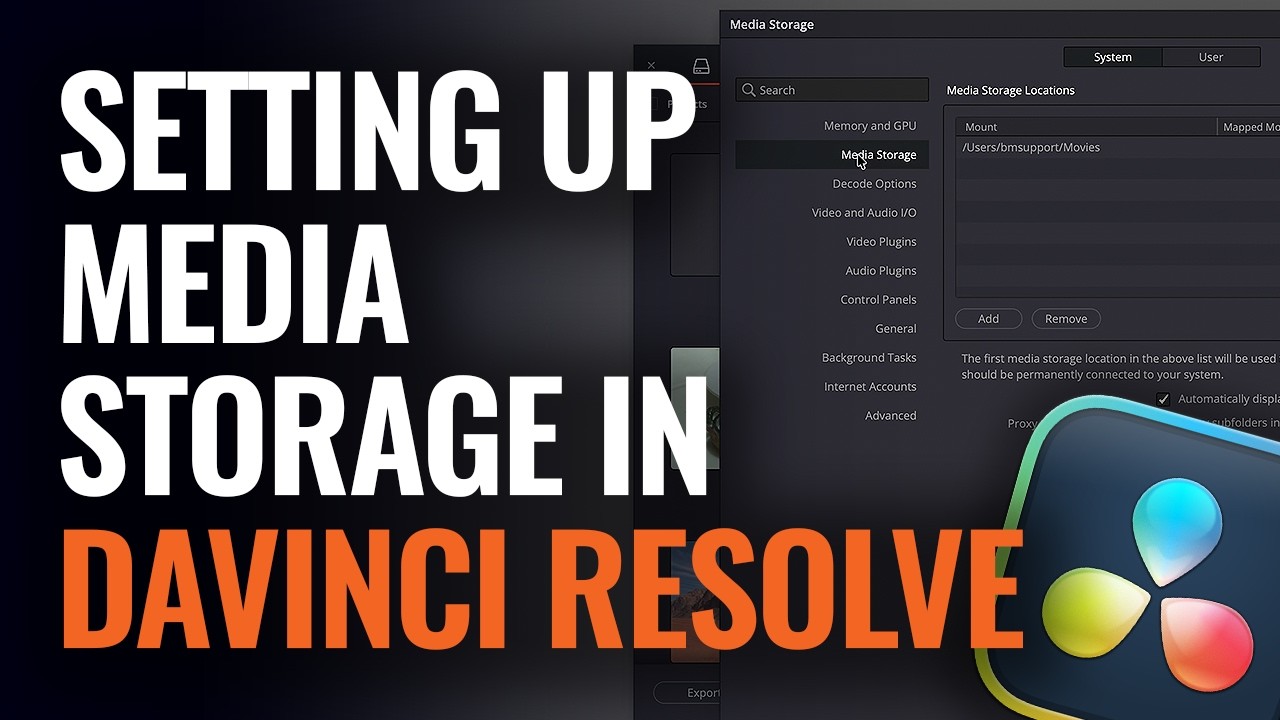
How to Set Up Media Storage Locations in DaVinci Resolve
via Blackmagic Design YouTube
auto_awesomePixelfetch Take
Blackmagic Design's short video walks through setting up scratch disks, proxy locations, and cache directories in DaVinci Resolve so new projects default to consistent, organised storage across multiple drives.
Read full articlearrow_outwardon Blackmagic Design YouTube
Related
Workflow Tools
Affinity Files Now Open Natively in Capture One and DaVinci Resolve
Workflow Tools
Photographer Builds His Own Tethering App After One Too Many Broken Sets
Workflow Tools
Capture One Brings Wireless Tethering to Panasonic LUMIX
Workflow Tools
Aftershoot Adds Client Galleries, Now Covers Full Delivery Pipeline
Workflow Tools
Free Tool Fixes Nikon Z8/Z9 ISO 64 Shadow Anomaly
Workflow Tools
Aftershoot Adds RAW Editor and Client Galleries to Close the Loop
More from Blackmagic Design YouTube
Stay ahead of the curve
Get the Pixelfetch digest delivered to your inbox every morning.